Desktop Backup With MSP360
Protect your desktop data from hardware and software failures with the desktop backup solution by MSP360. With centralized management, monitoring and reporting MSP360 Managed Backup becomes an indispensable assistant in keeping data safe and secure.

Windows Backup Best Practices
Taking regular backups of your data is the core of backup best practice. In this guide, you will learn how to get the most out of your backup and maximize your chances of successful data recovery.
Download Whitepaper
Free Web-Based Remote Access for Windows
Take advantage of the free and lightning-fast web-based remote access solution and resolve any issues instantly. No additional license is required.

Fully Featured Workstation Backup Software
Powerful Desktop Backup With MSP360
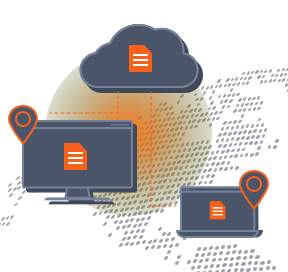
Access Your Data Anytime Anywhere
When you regularly back up your desktop data to a cloud storage using the MSP360 web console, you always have access to all your files. Simply log in to the console to find anything you need.
Fast Desktop Backups With Less Bandwidth Consumption
The synthetic full backup feature is enabled automatically to minimize backup time and bandwidth consumption, as all unchanged data is copied to the new dataset within the storage.

Get Back to Work Without Delays
Get the maximum level of restore flexibility with MSP360 Managed Backup. You can recover files from anywhere: physical, virtual, or cloud.

Ensure Business Continuity
Timely backups are crucial for business continuity. Reduce business downtime in case of any computer issues by backing up your desktop information.

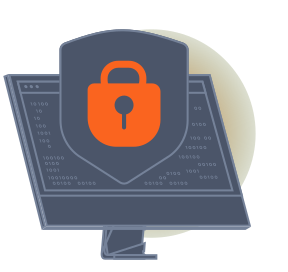
Advanced Protection
Protect data with encryption and immutable backups. MSP360 Managed Backup supports AES encryption with key sizes of 128, 192 and 256 bits, and object lock for Amazon S3, Wasabi and Backblaze B2.
Centrally Manage Your Desktop Backups
Use a single console to create and run workstation backups remotely and centrally manage all your backups and restores.

Desktop Backup FAQ
Desktop Backup
With MSP360